Serving All Major Abu Dhabi Areas

Al Reem Island • Khalifa City • Yas Island • MBZ City • Saadiyat • Al Raha • Al Mushrif • Al Bateen • Al Danah • Corniche

Dubai • Sharjah • Ajman

Serving All Major Abu Dhabi Areas

Al Reem Island • Khalifa City • Yas Island • MBZ City • Saadiyat • Al Raha • Al Mushrif • Al Bateen • Al Danah • Corniche

Dubai • Sharjah • Ajman

Serving All Major Abu Dhabi Areas

Al Reem Island • Khalifa City • Yas Island • MBZ City • Saadiyat • Al Raha • Al Mushrif • Al Bateen • Al Danah • Corniche

Dubai • Sharjah • Ajman

Serving All Major Abu Dhabi Areas

Al Reem Island • Khalifa City • Yas Island • MBZ City • Saadiyat • Al Raha • Al Mushrif • Al Bateen • Al Danah • Corniche

Dubai • Sharjah • Ajman

Serving All Major Abu Dhabi Areas

Al Reem Island • Khalifa City • Yas Island • MBZ City • Saadiyat • Al Raha • Al Mushrif • Al Bateen • Al Danah • Corniche

Dubai • Sharjah • Ajman

Serving All Major Abu Dhabi Areas

Al Reem Island • Khalifa City • Yas Island • MBZ City • Saadiyat • Al Raha • Al Mushrif • Al Bateen • Al Danah • Corniche

Dubai • Sharjah • Ajman

Serving All Major Abu Dhabi Areas

Al Reem Island • Khalifa City • Yas Island • MBZ City • Saadiyat • Al Raha • Al Mushrif • Al Bateen • Al Danah • Corniche

Dubai • Sharjah • Ajman

Serving All Major Abu Dhabi Areas

Al Reem Island • Khalifa City • Yas Island • MBZ City • Saadiyat • Al Raha • Al Mushrif • Al Bateen • Al Danah • Corniche

Dubai • Sharjah • Ajman

Serving All Major Abu Dhabi Areas

Al Reem Island • Khalifa City • Yas Island • MBZ City • Saadiyat • Al Raha • Al Mushrif • Al Bateen • Al Danah • Corniche

Dubai • Sharjah • Ajman

Serving All Major Abu Dhabi Areas

Al Reem Island • Khalifa City • Yas Island • MBZ City • Saadiyat • Al Raha • Al Mushrif • Al Bateen • Al Danah • Corniche

Dubai • Sharjah • Ajman

Serving All Major Abu Dhabi Areas

Al Reem Island • Khalifa City • Yas Island • MBZ City • Saadiyat • Al Raha • Al Mushrif • Al Bateen • Al Danah • Corniche

Dubai • Sharjah • Ajman

Serving All Major Abu Dhabi Areas

Al Reem Island • Khalifa City • Yas Island • MBZ City • Saadiyat • Al Raha • Al Mushrif • Al Bateen • Al Danah • Corniche

Dubai • Sharjah • Ajman

Serving All Major Abu Dhabi Areas

Al Reem Island • Khalifa City • Yas Island • MBZ City • Saadiyat • Al Raha • Al Mushrif • Al Bateen • Al Danah • Corniche

Dubai • Sharjah • Ajman

Serving All Major Abu Dhabi Areas

Al Reem Island • Khalifa City • Yas Island • MBZ City • Saadiyat • Al Raha • Al Mushrif • Al Bateen • Al Danah • Corniche

Dubai • Sharjah • Ajman

Serving All Major Abu Dhabi Areas

Al Reem Island • Khalifa City • Yas Island • MBZ City • Saadiyat • Al Raha • Al Mushrif • Al Bateen • Al Danah • Corniche

Dubai • Sharjah • Ajman

Serving All Major Abu Dhabi Areas

Al Reem Island • Khalifa City • Yas Island • MBZ City • Saadiyat • Al Raha • Al Mushrif • Al Bateen • Al Danah • Corniche

Dubai • Sharjah • Ajman

Serving All Major Abu Dhabi Areas

Al Reem Island • Khalifa City • Yas Island • MBZ City • Saadiyat • Al Raha • Al Mushrif • Al Bateen • Al Danah • Corniche

Dubai • Sharjah • Ajman

Serving All Major Abu Dhabi Areas

Al Reem Island • Khalifa City • Yas Island • MBZ City • Saadiyat • Al Raha • Al Mushrif • Al Bateen • Al Danah • Corniche

Dubai • Sharjah • Ajman

Serving All Major Abu Dhabi Areas

Al Reem Island • Khalifa City • Yas Island • MBZ City • Saadiyat • Al Raha • Al Mushrif • Al Bateen • Al Danah • Corniche

Dubai • Sharjah • Ajman

Serving All Major Abu Dhabi Areas

Al Reem Island • Khalifa City • Yas Island • MBZ City • Saadiyat • Al Raha • Al Mushrif • Al Bateen • Al Danah • Corniche

Dubai • Sharjah • Ajman

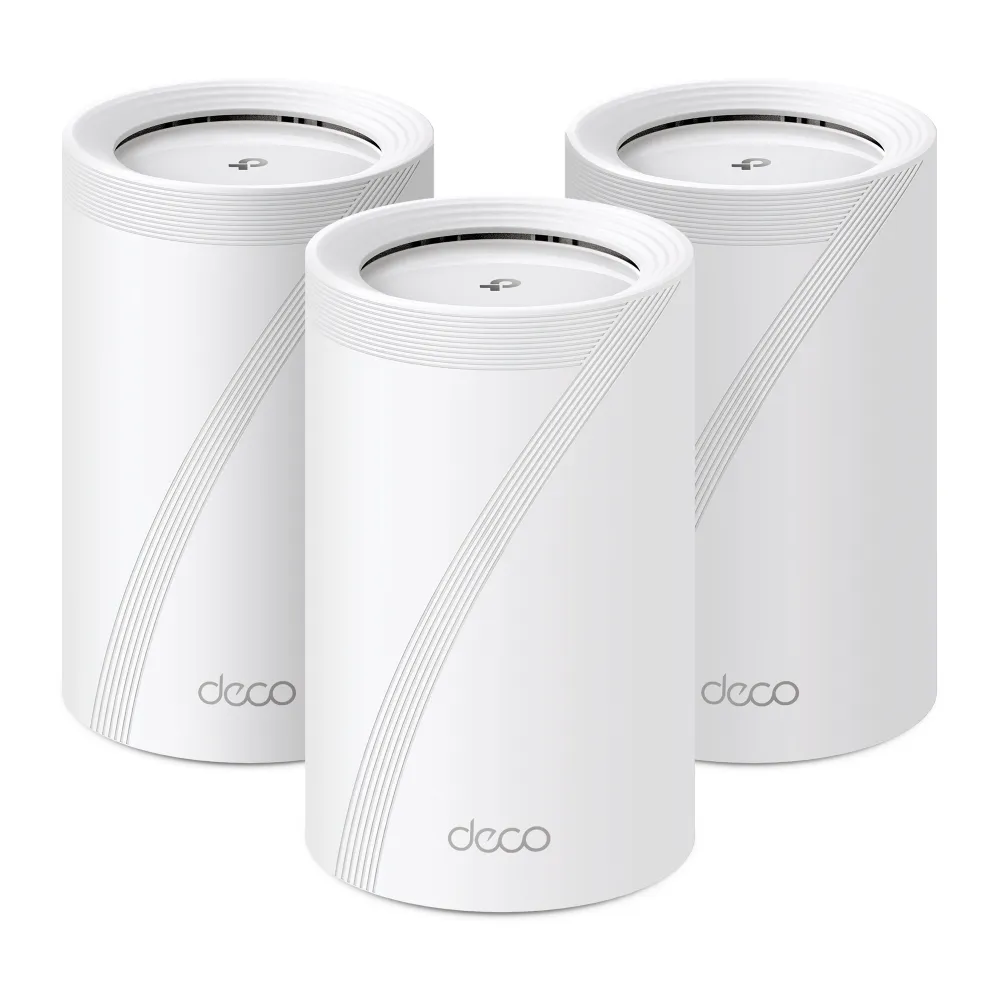
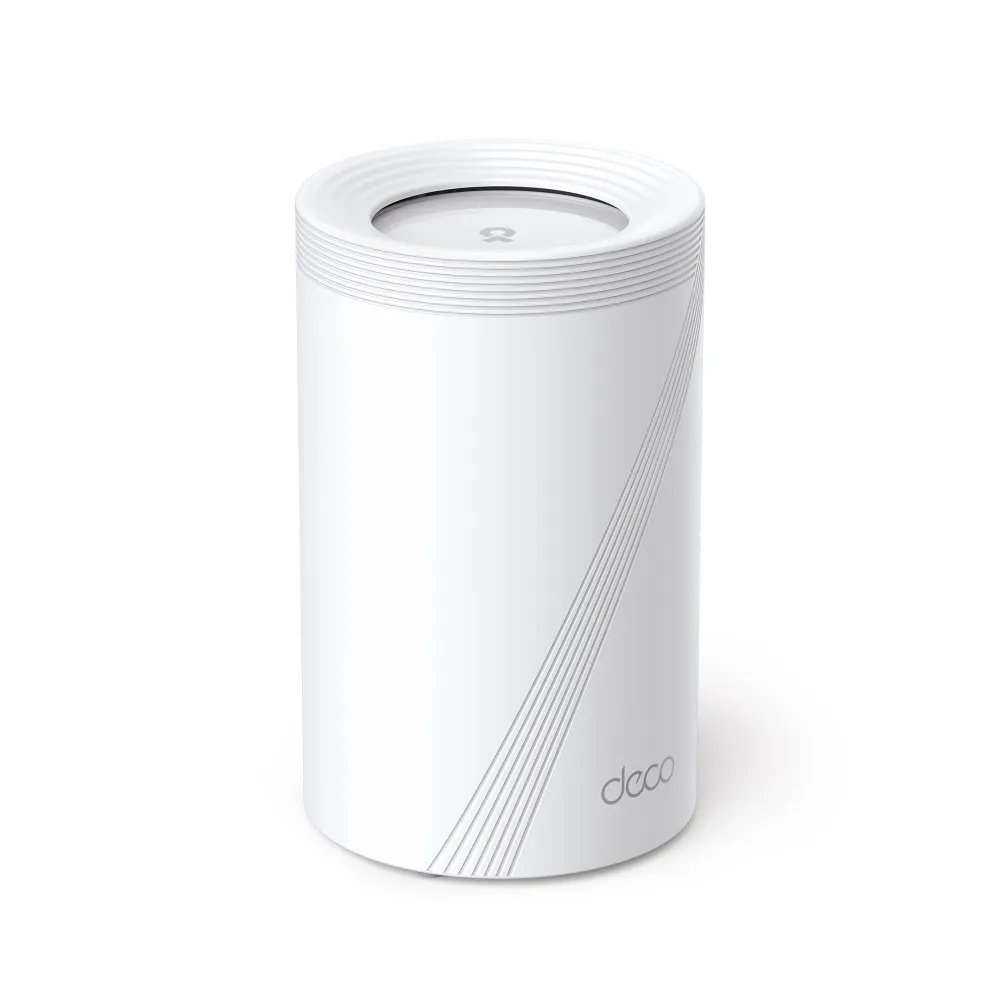
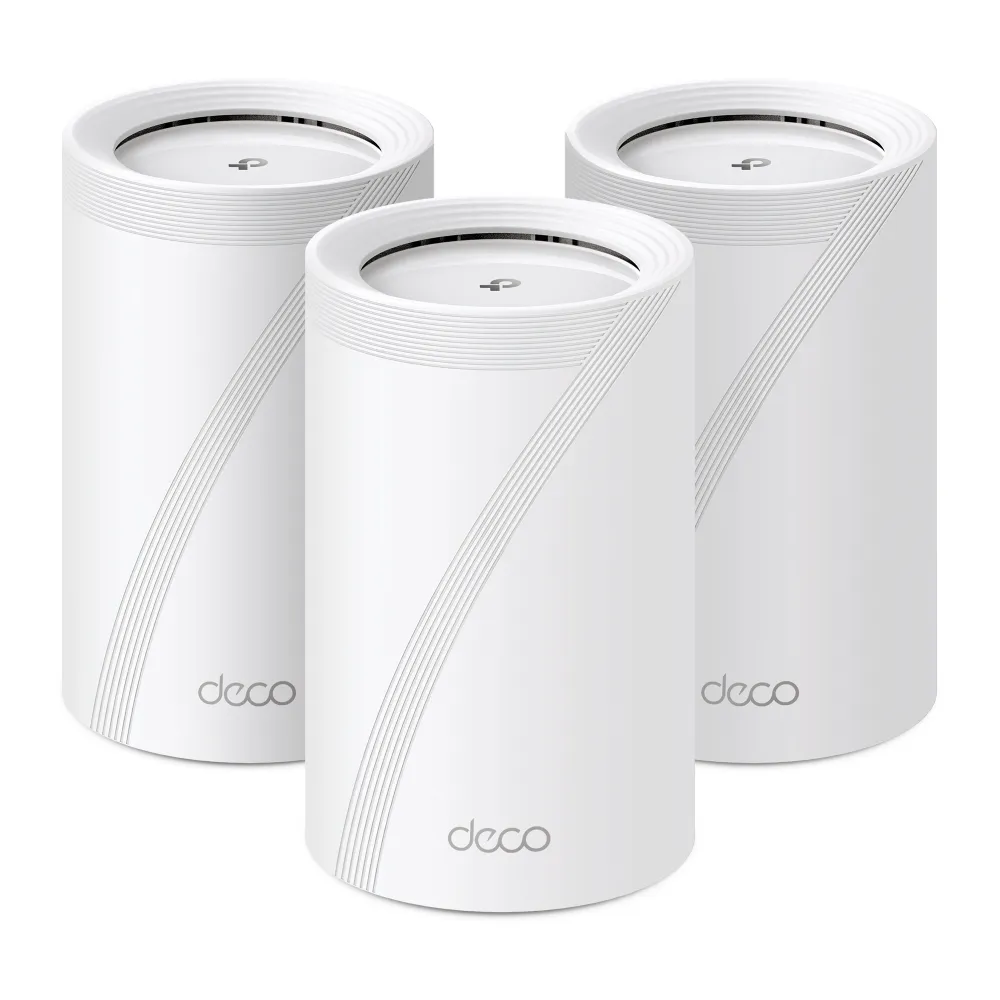
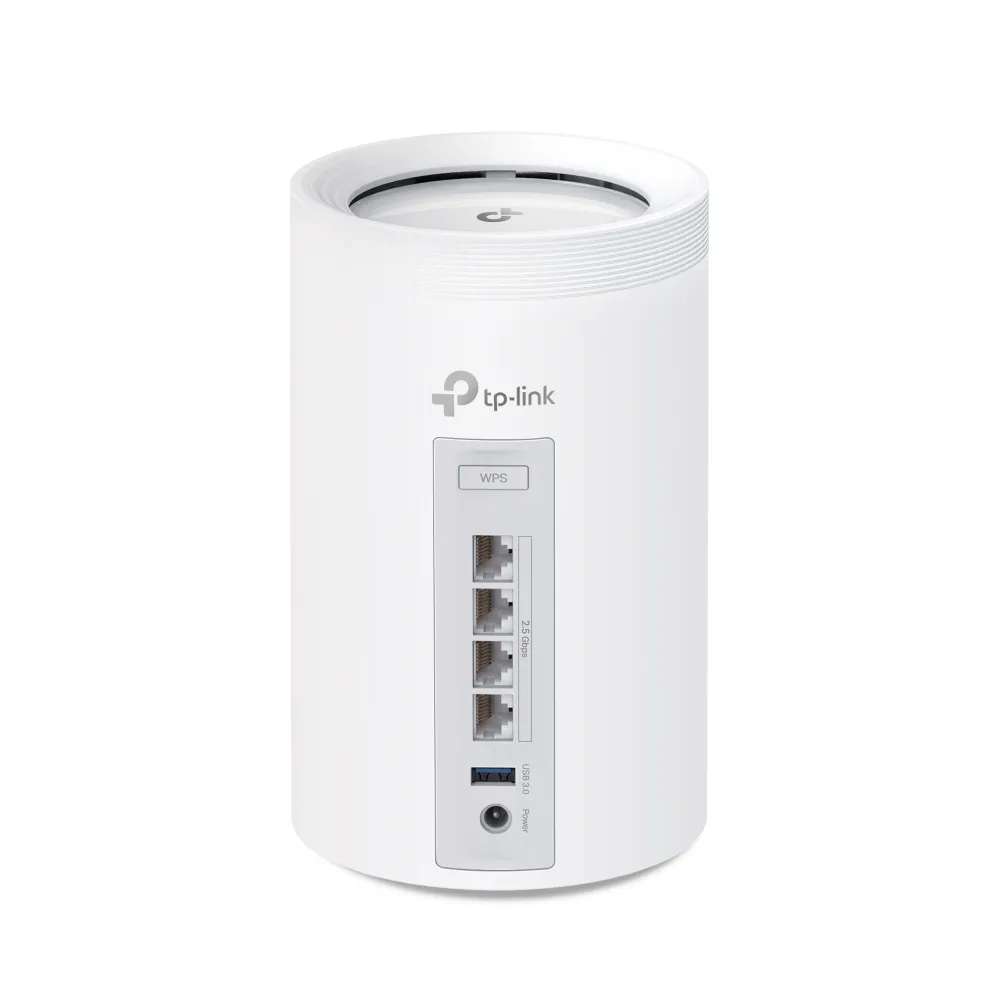
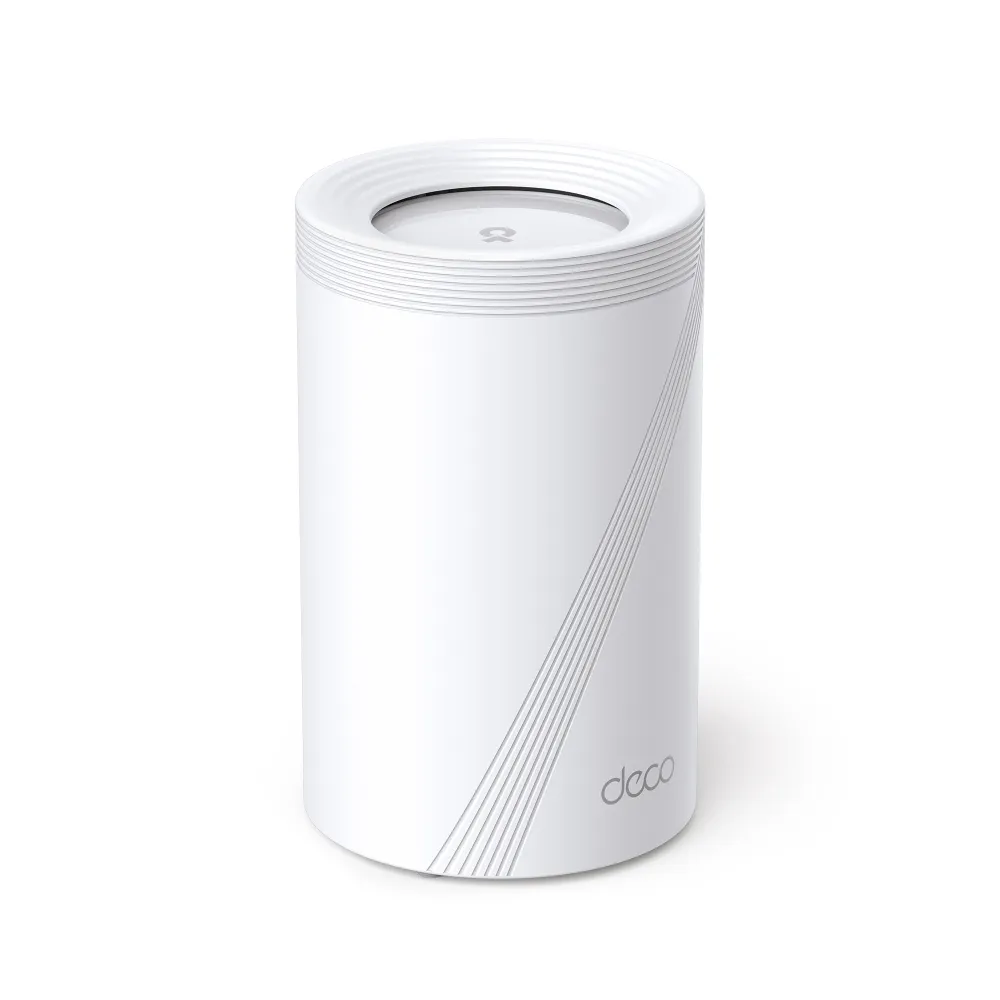
TP-Link Deco BE65 BE9300 WiFi 7 Mesh System
1 / 4

TP-Link Deco BE65 BE9300 WiFi 7 Mesh System

About this product

TP-Link Deco BE65 is a BE9300 tri-band WiFi 7 mesh system for villas and apartments in Abu Dhabi. Solid Connect can help plan node placement around your floor plan and existing cabling.

WiFi 7
BE9300 wireless class
Tri-band mesh
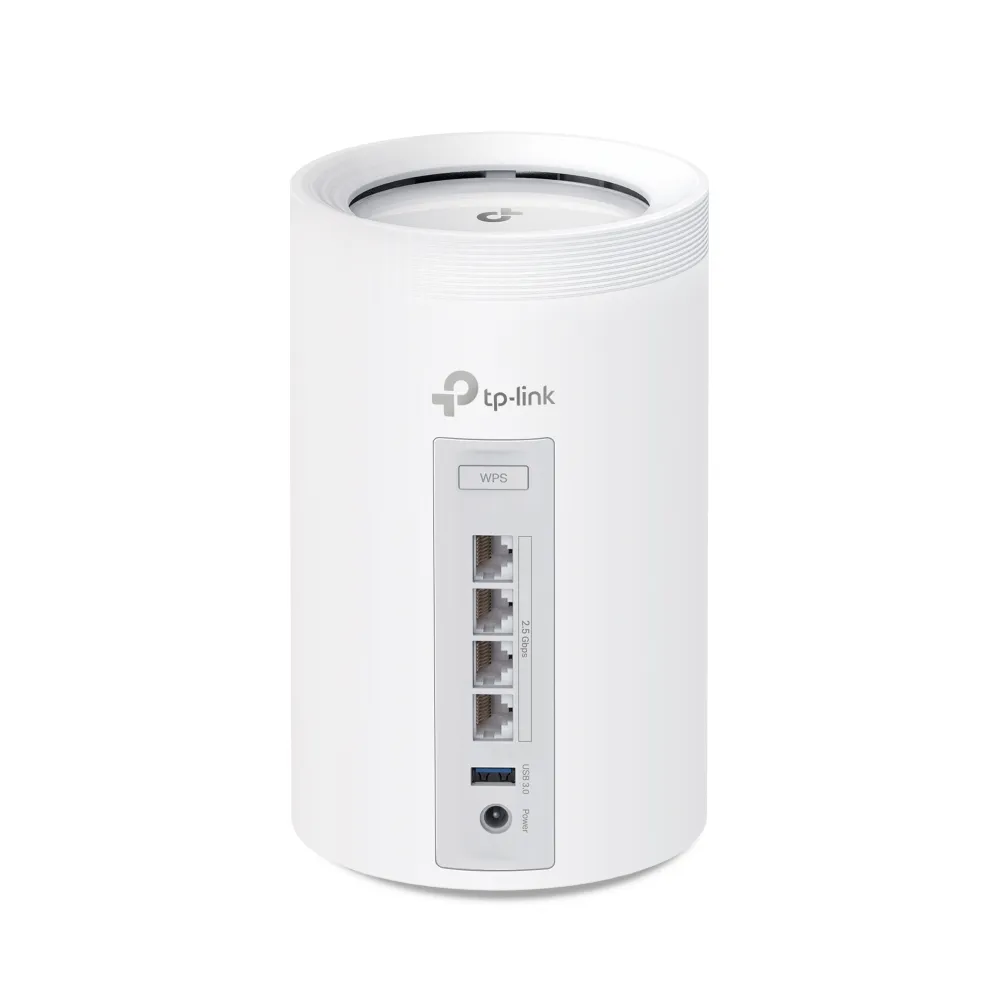
4× 2.5 GbE
Optional Ethernet backhaul
Deco app setup
Technical specifications

BE9300 tri-band WiFi 7. Ethernet ports per unit: 4× 2.5 GbE. Actual throughput depends on placement, client hardware and your internet plan.

How to install and use
  1. Connect the main Deco to your ISP modem or gateway by Ethernet.
  2. Use the Deco app to configure your network and add satellite units.
  3. Place the satellites where they can maintain a strong connection or use Ethernet backhaul. Test coverage in the rooms where you work and stream.
Frequently asked questions

How many units do I need? It depends on the floor plan, walls and floors. Share your layout so we can recommend a kit.

Can I keep my existing router? Yes, use the Deco in Access Point mode.

What does the wireless speed class mean? BE9300 is a combined theoretical wireless rating. Actual speeds vary by device, placement and internet plan.

Request a Deco BE65 quote in Abu Dhabi
  • tp link wifi abudhabi
  • Wi-Fi support Abu Dhabi
  • deco tp link
  • tp link deco mesh abudhabi
  • tp
  • mesh networking abudhabi
  • Abu Dhabi
  • WiFi 7
  • Mesh WiFi

Collection Products