

WiFi Installation for Basement Rooms in MBZ City Villas
Test coverage from the main floor to the basement entrance and inside the rooms. If the wireless signal weakens sharply, check for an Ethernet route before choosing equipment.
Serving All Major Abu Dhabi Areas
Al Reem Island • Khalifa City • Yas Island • MBZ City • Saadiyat • Al Raha • Al Mushrif • Al Bateen • Al Danah • Corniche
Dubai • Sharjah • Ajman
Serving All Major Abu Dhabi Areas
Al Reem Island • Khalifa City • Yas Island • MBZ City • Saadiyat • Al Raha • Al Mushrif • Al Bateen • Al Danah • Corniche
Dubai • Sharjah • Ajman
Serving All Major Abu Dhabi Areas
Al Reem Island • Khalifa City • Yas Island • MBZ City • Saadiyat • Al Raha • Al Mushrif • Al Bateen • Al Danah • Corniche
Dubai • Sharjah • Ajman
Serving All Major Abu Dhabi Areas
Al Reem Island • Khalifa City • Yas Island • MBZ City • Saadiyat • Al Raha • Al Mushrif • Al Bateen • Al Danah • Corniche
Dubai • Sharjah • Ajman
Serving All Major Abu Dhabi Areas
Al Reem Island • Khalifa City • Yas Island • MBZ City • Saadiyat • Al Raha • Al Mushrif • Al Bateen • Al Danah • Corniche
Dubai • Sharjah • Ajman
Serving All Major Abu Dhabi Areas
Al Reem Island • Khalifa City • Yas Island • MBZ City • Saadiyat • Al Raha • Al Mushrif • Al Bateen • Al Danah • Corniche
Dubai • Sharjah • Ajman
Serving All Major Abu Dhabi Areas
Al Reem Island • Khalifa City • Yas Island • MBZ City • Saadiyat • Al Raha • Al Mushrif • Al Bateen • Al Danah • Corniche
Dubai • Sharjah • Ajman
Serving All Major Abu Dhabi Areas
Al Reem Island • Khalifa City • Yas Island • MBZ City • Saadiyat • Al Raha • Al Mushrif • Al Bateen • Al Danah • Corniche
Dubai • Sharjah • Ajman
Serving All Major Abu Dhabi Areas
Al Reem Island • Khalifa City • Yas Island • MBZ City • Saadiyat • Al Raha • Al Mushrif • Al Bateen • Al Danah • Corniche
Dubai • Sharjah • Ajman
Serving All Major Abu Dhabi Areas
Al Reem Island • Khalifa City • Yas Island • MBZ City • Saadiyat • Al Raha • Al Mushrif • Al Bateen • Al Danah • Corniche
Dubai • Sharjah • Ajman
Serving All Major Abu Dhabi Areas
Al Reem Island • Khalifa City • Yas Island • MBZ City • Saadiyat • Al Raha • Al Mushrif • Al Bateen • Al Danah • Corniche
Dubai • Sharjah • Ajman
Serving All Major Abu Dhabi Areas
Al Reem Island • Khalifa City • Yas Island • MBZ City • Saadiyat • Al Raha • Al Mushrif • Al Bateen • Al Danah • Corniche
Dubai • Sharjah • Ajman
Serving All Major Abu Dhabi Areas
Al Reem Island • Khalifa City • Yas Island • MBZ City • Saadiyat • Al Raha • Al Mushrif • Al Bateen • Al Danah • Corniche
Dubai • Sharjah • Ajman
Serving All Major Abu Dhabi Areas
Al Reem Island • Khalifa City • Yas Island • MBZ City • Saadiyat • Al Raha • Al Mushrif • Al Bateen • Al Danah • Corniche
Dubai • Sharjah • Ajman
Serving All Major Abu Dhabi Areas
Al Reem Island • Khalifa City • Yas Island • MBZ City • Saadiyat • Al Raha • Al Mushrif • Al Bateen • Al Danah • Corniche
Dubai • Sharjah • Ajman
Serving All Major Abu Dhabi Areas
Al Reem Island • Khalifa City • Yas Island • MBZ City • Saadiyat • Al Raha • Al Mushrif • Al Bateen • Al Danah • Corniche
Dubai • Sharjah • Ajman
Serving All Major Abu Dhabi Areas
Al Reem Island • Khalifa City • Yas Island • MBZ City • Saadiyat • Al Raha • Al Mushrif • Al Bateen • Al Danah • Corniche
Dubai • Sharjah • Ajman
Serving All Major Abu Dhabi Areas
Al Reem Island • Khalifa City • Yas Island • MBZ City • Saadiyat • Al Raha • Al Mushrif • Al Bateen • Al Danah • Corniche
Dubai • Sharjah • Ajman
Serving All Major Abu Dhabi Areas
Al Reem Island • Khalifa City • Yas Island • MBZ City • Saadiyat • Al Raha • Al Mushrif • Al Bateen • Al Danah • Corniche
Dubai • Sharjah • Ajman
Serving All Major Abu Dhabi Areas
Al Reem Island • Khalifa City • Yas Island • MBZ City • Saadiyat • Al Raha • Al Mushrif • Al Bateen • Al Danah • Corniche
Dubai • Sharjah • Ajman
Test coverage from the main floor to the basement entrance and inside the rooms. If the wireless signal weakens sharply, check for an Ethernet route before choosing equipment.

List sites, business hours and the devices that must stay connected. Define what equipment the support agreement covers and how staff will report recurring or urgent faults.
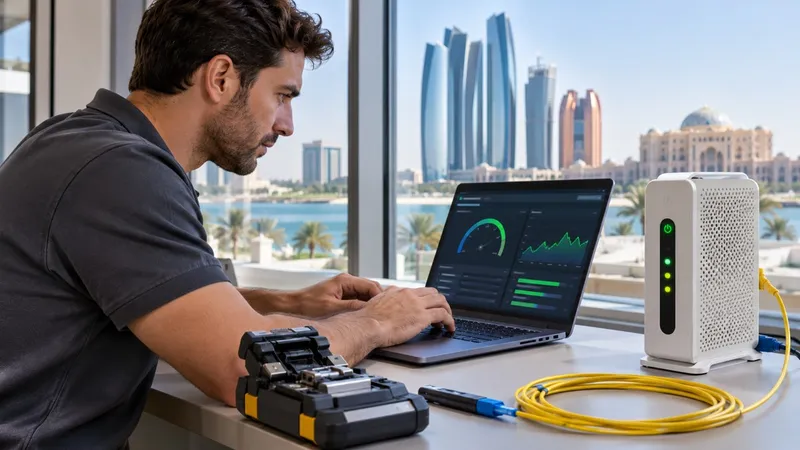
Compare the line near the router with WiFi in the rooms where performance matters. A stronger plan may help if the connection is saturated, while coverage gaps need a different assessment.

Test calls at the garden office desk and compare with the main building. Review the distance, any existing conduit and whether line of sight is available between the two locations.
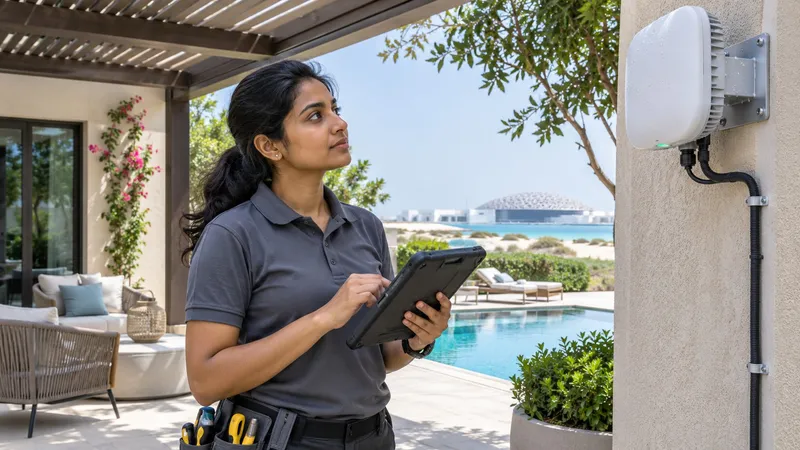
Identify which seats and shaded areas need coverage and test from those positions. Check whether glazing, walls or doors change performance from the indoor network.

Start with the distance between buildings and check for an existing conduit or network cable. Stable coverage inside the majlis depends on how it connects to the main network.
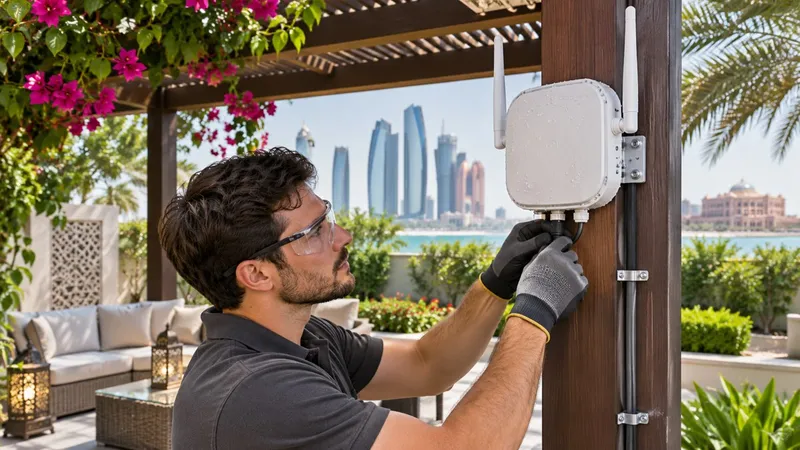
Mark the seating and work areas that need coverage, and check where cables could reach them. Outdoor equipment and mounting need to suit the exposure and the site layout.

Walk the routes used for inventory checks and record where handhelds need network access. Check distance from the building and whether vehicles or stock obstruct proposed positions.

Compare the previous and current rack layouts and retest the original picking routes. Note where aisles, stock height and access point sightlines have changed.