How to Fix Weak Upstairs WiFi in Khalifa City Villas
Test the connection before buying new equipment
Start by running the same speed test on the same device near your router and in the upstairs room where WiFi drops. If only upstairs is weak, check router placement and any usable Ethernet outlets. A wired access point can use an existing outlet, while a mesh unit needs a strong link to the rest of the network. If speeds are poor even beside the router, check the router and internet connection first.
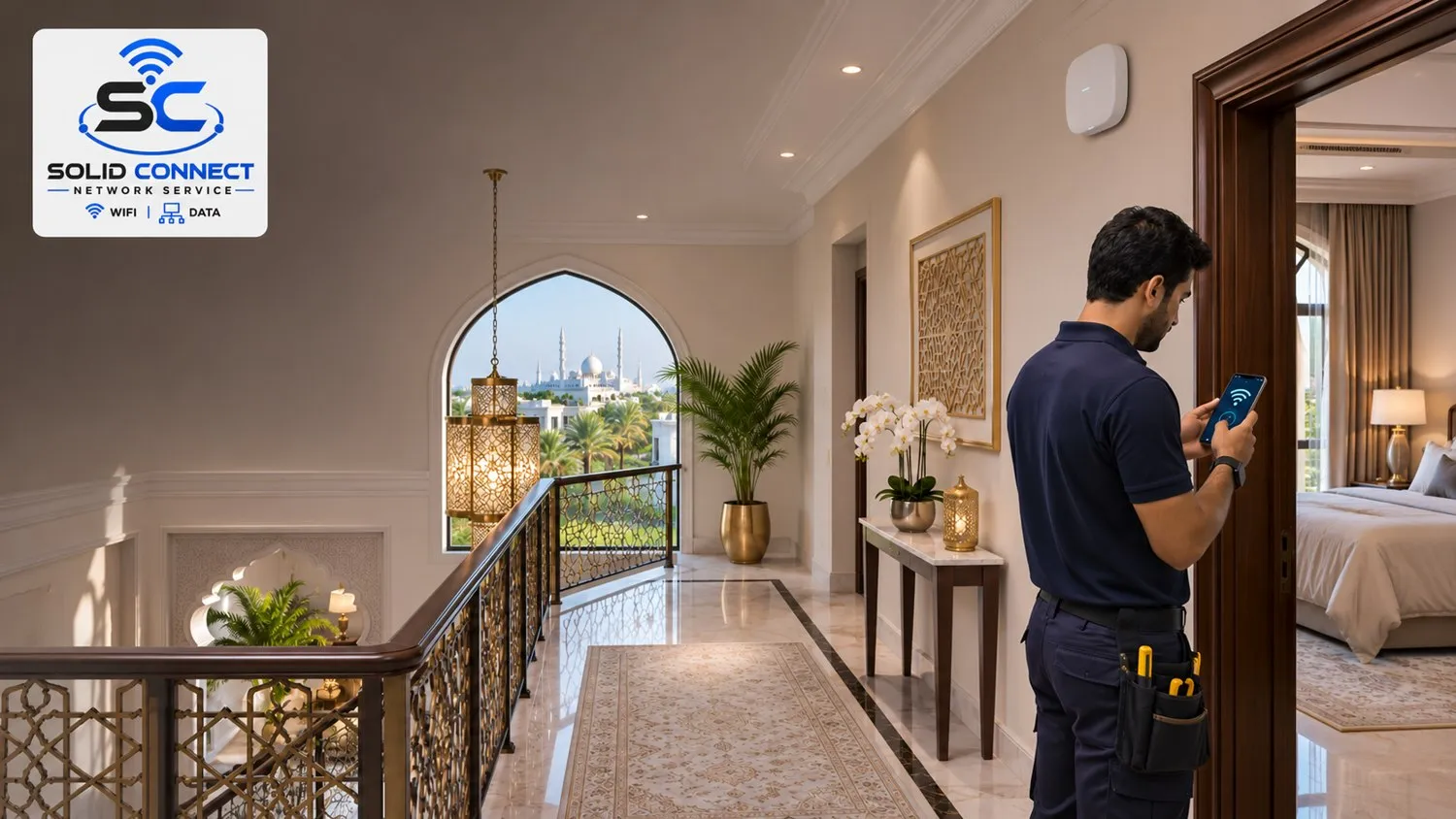
Four checks for weak WiFi upstairs
- Use one device and the same speed test near the router, at the stair landing and in the affected bedroom. Repeat with the door closed if that is how you normally use the room.
- If the router is inside a cabinet or behind a TV, try an open, elevated location. Rerun the test in the same spots.
- If an upstairs Ethernet outlet works, consider a wired access point. With limited cabling, test a mesh unit at a landing where it still receives a strong signal.
- If it is hard to tell where the signal drops or which outlets work, book a floor-by-floor WiFi site survey in Khalifa City.
Abu Dhabi Service Areas
Khalifa City, Mohammed Bin Zayed City, Al Raha, Al Reem Island, Yas Island, Saadiyat Island, Al Bateen, Al Danah, Al Khalidiyah and Mussafah.
Questions and resources
Select any heading to open or close its section.
Frequently Asked Questions
Why is WiFi weak upstairs but good downstairs?
Distance, floors, walls and router placement can weaken the signal. A same-device comparison helps identify a coverage problem.
Will a faster internet plan fix upstairs WiFi?
If speeds are good near the router and drop upstairs, check local coverage first. If both locations are slow, check the router and broadband service.
Where should I put a mesh unit?
Test an open location, such as a landing, where the unit still has a strong link. Putting it in the weakest corner can leave the unit with a poor connection.
Can I reuse the upstairs Ethernet outlet?
Often, yes. The outlet and its connection to the network cabinet need testing first. A usable link can connect a wired access point or a compatible mesh unit.
Can Solid Connect inspect my villa in Khalifa City?
Yes. Share the rooms with weak signal and any outdoor areas you want checked when requesting a quote.
Brands
Tell us what you already have. Reuse depends on the model, condition and suitability for the area.
Ubiquiti UniFi · Google Nest WiFi · Linksys Velop · TP-Link Deco · TP-Link Omada · DrayTek · MikroTik · Xiaomi · Alcatel · Tenda · Aruba · NETGEAR Orbi · Nokia · ASUS · Ruijie · D-Link · SonicWall · Fortinet · Grandstream · IP-COM · EnGenius · Huawei · Cisco
Ask about other brands or models.
Services
- Upstairs WiFi diagnostics and coverage checks
- Mesh WiFi placement and troubleshooting
- Ethernet outlet testing and access point installation
- Outdoor majlis and garden coverage assessment
Customer Reviews
Highly recommending this guys to those who looking for a solutions for Networking related or Wi-Fi works.I was facing too much issues in my office daily in network and Wi-Fi connectivity, i find i need a better solutions for this, so i call the Wifi Expert team to my office and i show the exact problems what im facing, un believable with in hour's they fix the entire problems and now the whole systems are working properly
Anoop installed security cameras at our villa. We were very pleased with the work and appreciated the advice on best placement of the cameras etc. Would strongly recommend Anoop for this work.
Great team at W-Fi Experts. Anoop has sorted out my internet setup twice now and he is very friendly and helpful and knowledgeable during the whole process. Thanks a lot.
Top Searches
- Fix weak upstairs WiFi in Khalifa City
- WiFi technician for villas in Khalifa City
- Upstairs WiFi dead zones Abu Dhabi
- Mesh WiFi for a two-storey villa
- Wired access point for upstairs WiFi
Helpful Resources & Guides
Specialized Wireless Solutions for Every Facility
- Residential villas
- Schools and training centres
- Medical clinics and healthcare facilities
- Cafés and coffee shops
- Serviced apartments
- Compound clubhouses
- Mosques and prayer halls
- Salons and spas
- Retail shops and small businesses
- Warehouses and commercial spaces
- Outdoor majlis and gardens
After-Sales Support
Once your network is set up, Solid Connect can help with remote diagnostics, on-site health checks and configuration backups. We also assist with applicable manufacturer warranties for equipment such as routers, access points and PoE switches. Ask us to confirm the after-sales support and warranty terms for the devices and cabling in your quote.
Solid Connect Service Directory
Request an Upstairs WiFi Check
Send your Khalifa City location, number of floors, router model if known, and the upstairs rooms with problems. If you have speed test results or Ethernet outlets upstairs, include them for a more useful first assessment.